
Start with the organizer and exact event
Write down the organizer's name and the exact event page, including the event date and location shown there. Check that any registration page or document you open is linked from that event. If you can't tell whether a document applies to your event, ask the organizer before using it to make a decision.
Check registration and division information before paying
Look for the event's registration instructions and the division information linked from that page. For example, the IBJJF first-championship guide points its entrants to the weight chart and belt-and-age division table on each event page. If you're considering an IBJJF event, record the chart and table you found, the division you think fits, and any question you need the organizer to answer before you register. Do not carry an IBJJF division choice over to another organizer.
Record the dates that can change your registration
Save the registration deadline and any listed dates for corrections, schedule release, or other decisions that affect you. Use the dates on your event page, not dates from another tournament. If a date or time zone is unclear, ask the organizer. Recheck the event page before paying and again as the event approaches.
Find the rules and uniform documents for that event
Open the rules and uniform information the event page directs you to. Record the document title, its version or date if one is shown, and the part that answers your question. The IBJJF rules resources are for IBJJF; they do not choose the rules for another organizer. As a uniform example, NAGA's tournament packing guide tells entrants to check what their tournament permits, including gi color, fit, patches, and rash guard colors. Write down only the requirements you find for your own event and division. If the event page doesn't make the answer clear, ask its organizer.
When two sources disagree
Return to the exact event page and the documents it links. Check whether the sources name the same organizer, event, division, and date. If you still see conflicting instructions, send the organizer the two links and ask which one applies before you pay or rely on either answer.
Save the confirmation and recheck the event page
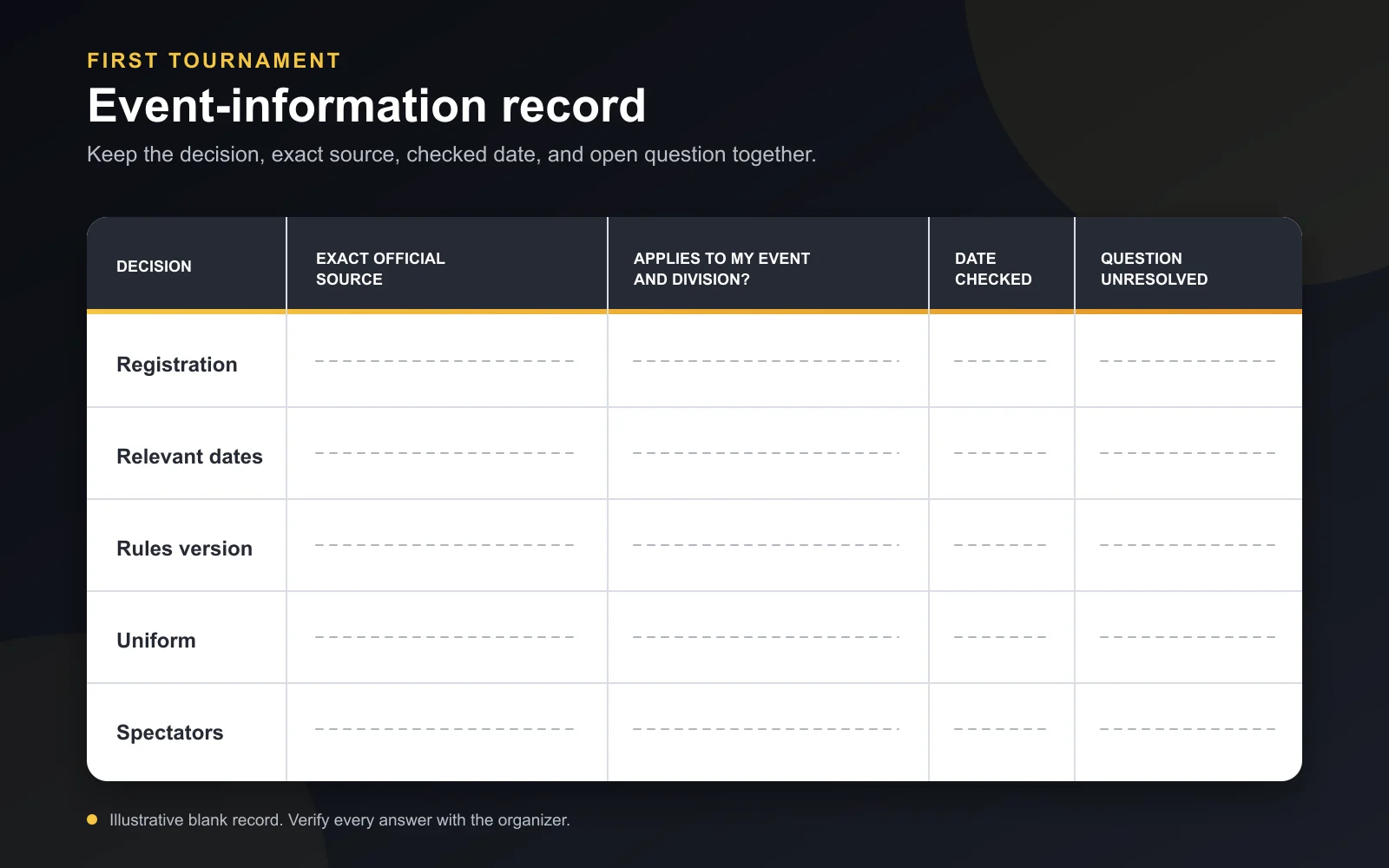
Keep the event page link, the documents you used, and any registration confirmation together. A short record helps you return to the same information instead of relying on memory. You can copy these fields into a note for each decision:
- Decision: What am I trying to confirm? For example, which division to select.
- Exact official source: The event page and its linked chart or document.
- Applies to this event and division? Record what the source says, or mark it unresolved.
- Checked date: The date you last looked at that source.
- Unresolved question: What you need to ask the organizer before acting.
These examples are prompts for your record, not requirements for every tournament. Find the official page for your exact event and check its information before registering. If you're also looking for adult classes, Phantom's Adult Jiu Jitsu Program is about training, not tournament registration or event rules.