
Start with the organizer and the exact event page
Find out who runs the tournament. Open the page for the event you want. Save the link. Use it to check each rule and date.
Whose account registers your child?
| Group | What to check |
|---|---|
| IBJJF | A child's athlete profile links to a parent or legal guardian's profile. IBJJF also has its own membership steps. Check both profiles and those steps before paying. |
| NAGA | A parent can manage child profiles in Smoothcomp. Check your child's profile and the page for that event. |
Find your child's division and the dates that matter for that event
For IBJJF, check your child's division by birth year. Use the chart and dates for that event. For NAGA, check that event's details in Smoothcomp.
Before paying, find the last day to sign up. Check the fee and terms. Look for any rules on uniforms or waivers. If you can't find an answer, make a note and ask the group that runs the event.
For more on checking event details, see What to check before a first BJJ tournament. If a later entrant list shows only your child in a division, use the one-person division guide for the event-specific next question.
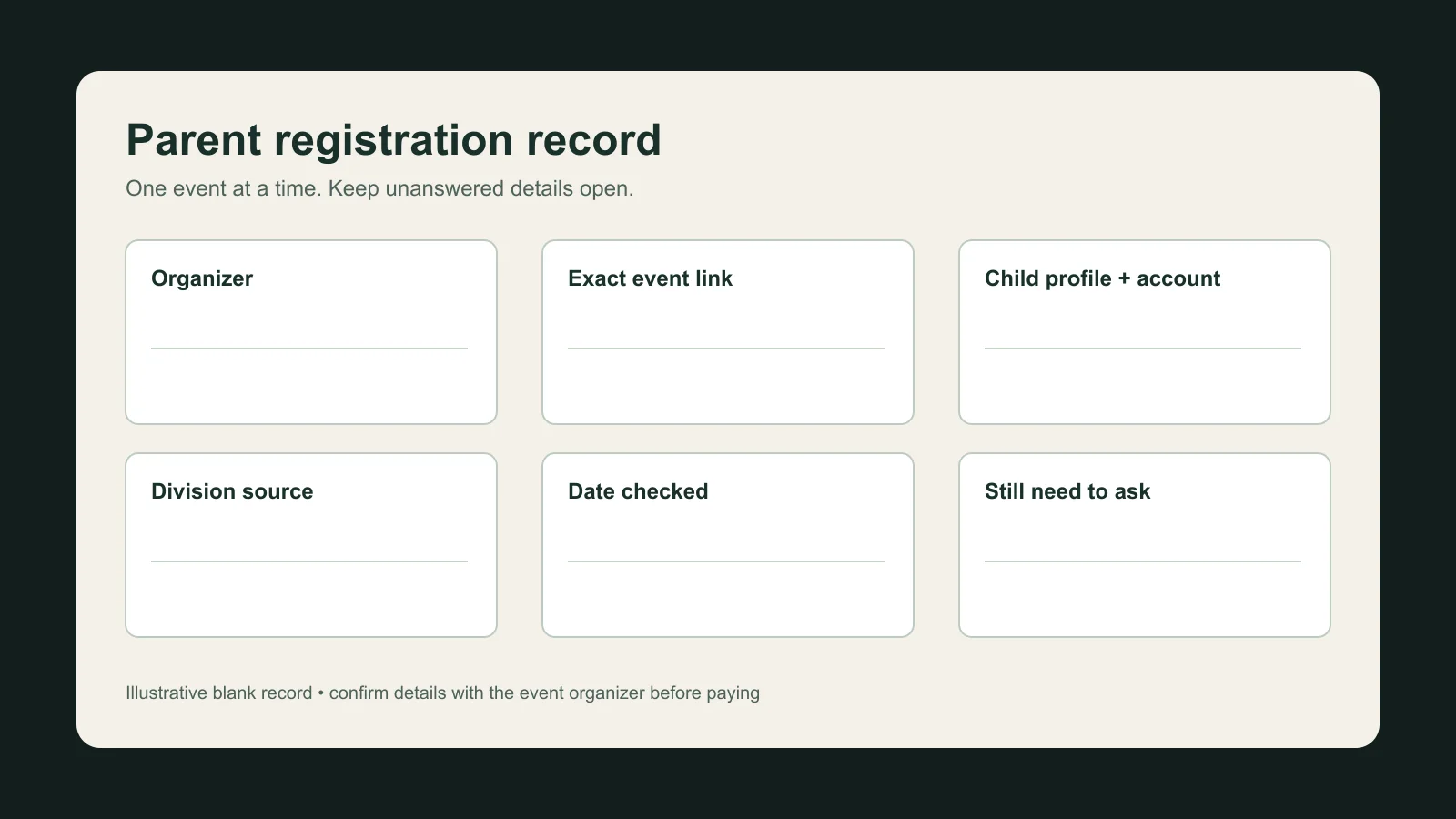
Keep a simple parent check record
Use one note for each event. Add what you know. Keep your questions in one place.
- Group running it: ____________________
- Event link: ____________________
- Child profile and parent or guardian account: ____________________
- Division: where you found it and which event it is for: ____________________
- Last day to sign up: ____________________
- Fee and terms: ____________________
- Uniform or waiver rules and where you found them: ____________________
- Date checked: ____________________
- Questions left: ____________________
Here are two ways to fill in the division line:
| Group | Example note |
|---|---|
| IBJJF | IBJJF event chart: this event only |
| NAGA | NAGA event details in Smoothcomp: this event only |
Looking for kids' classes?
For kids' classes, see Phantom's Kids Jiu Jitsu Program.